- PrestaShop-Kompatibilität
- 1.7.x
- 8.x
- Kurzbeschreibung
- Easily catch your customers attention by using product labels on your products.
Easily catch your customers attention by using product labels on your products. Use already available label, text label or google material icons as labels on the product image.
Features
- The product Label module is multi-shop compatible.
- Easy to configure.
- A great increase in sales.
- Set global settings for the label like label visibility on various pages and dimensions.
- Display labels on various pages like product page, category page etc.
- Set the dimensions i.e. width and height of labels as per your requirements.
- Create as many labels as you want for a different type of sales promotions.
- Restrict the labels from applying to the products.
- Add both text and image labels. You can also add a Google material icon.
- Customise label display (font, text colour, background colour) on the product image.
- Select the positioning of the label on the product image.
- Display label randomly if the position of multiple labels is exactly the same.
- Set the validity for displaying the labels.
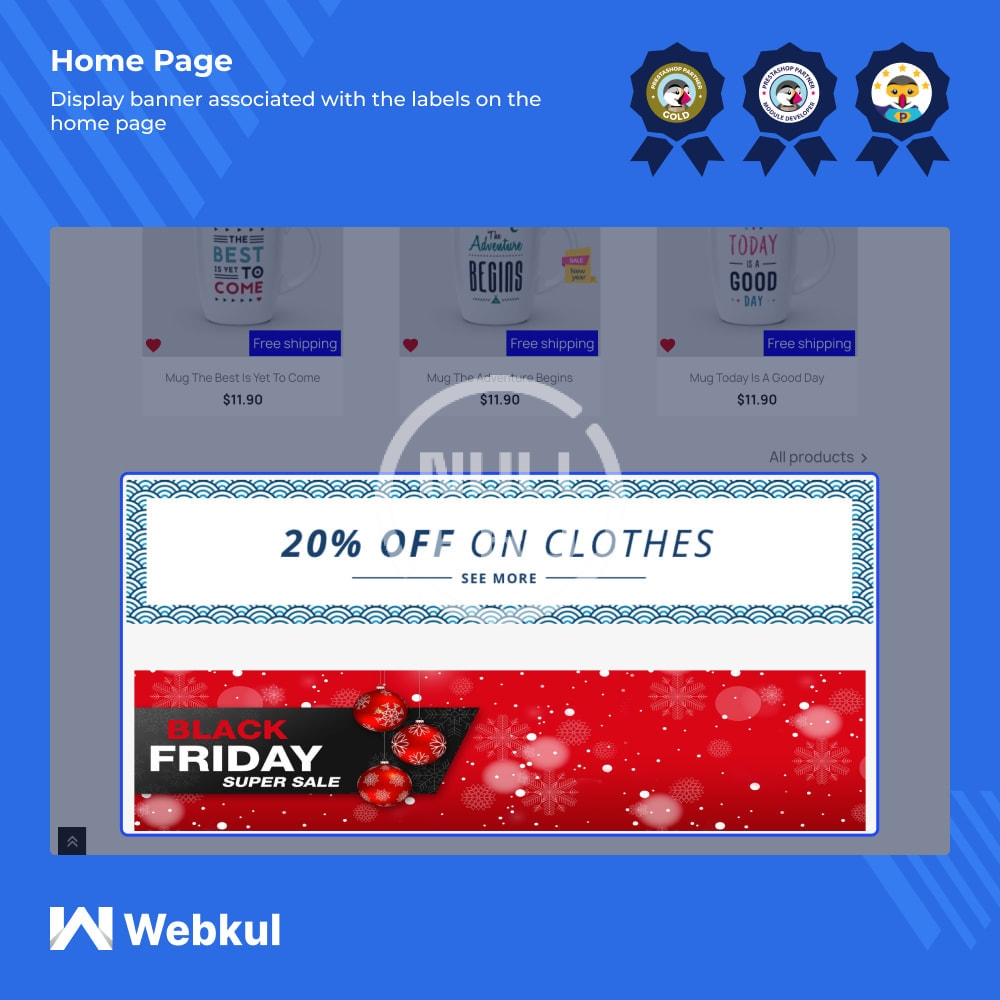
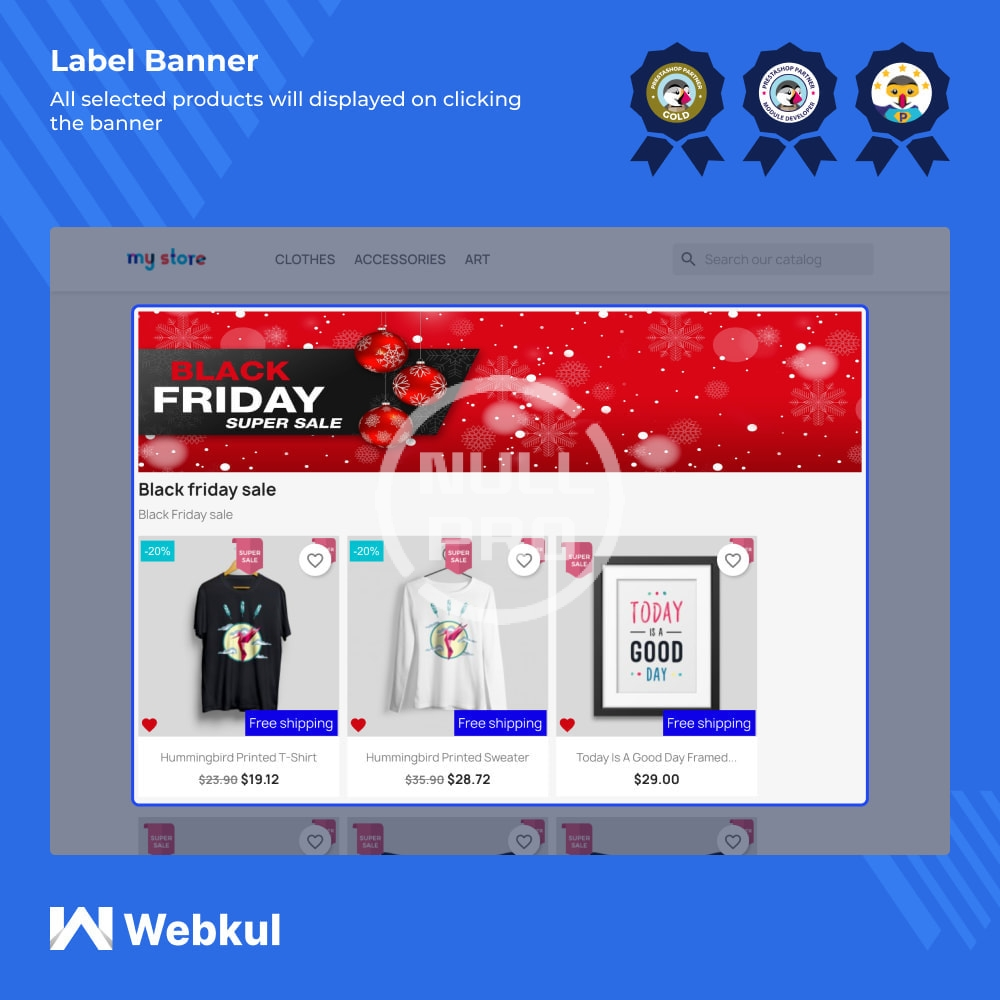
- Add a banner to the home page to provide more information about the labels.
- Choose a customer group to which you want to show the created labels.
- Show content along with the label assigned to the product.
- Customise the display of content (font, text colour, background colour and font size) as per your needs.
- Assign the labels individually or use bulk action for assigning labels to all products inside the category.
- Create label rules for assigning labels to all products falling under that rule.
- Create label rules based on the following parameters: Price rule, special offer, customer discount, best selling, feature product, new products, online-only, on sale and free shipping.
- If you select the “Special offer” Label rule type, then either assign label on the product or show Prestashop discount on the basis of specific price and catalog price rule e.g. 20%.
- A separate tab is available to customize the label (font, text color, background color, font size) and show it differently when “Special offer” is selected under “Label rule type” with Prestashop discount.