- PrestaShop-Kompatibilität
- 1.6.x
- 1.7.x
- Kurzbeschreibung
- Effortlessly manage Prestashop orders with our Order Tools module. Perform bulk actions like Edit, Duplicate, Export to CSV, and more without opening multiple pages. Enhance your workflow with features like quick editing, multi-invoice generation, and customizable order list pages.
Prestashop Order Tools module save your time by performing order with more bulk actions: Edit Order, Duplicate Order, Order Quick View, Export Order to CSV, Quick Edit Order, Delete Order... And much more features
Features
BULK ACTION
Why does we need to improve Prestashop Bulk Action?
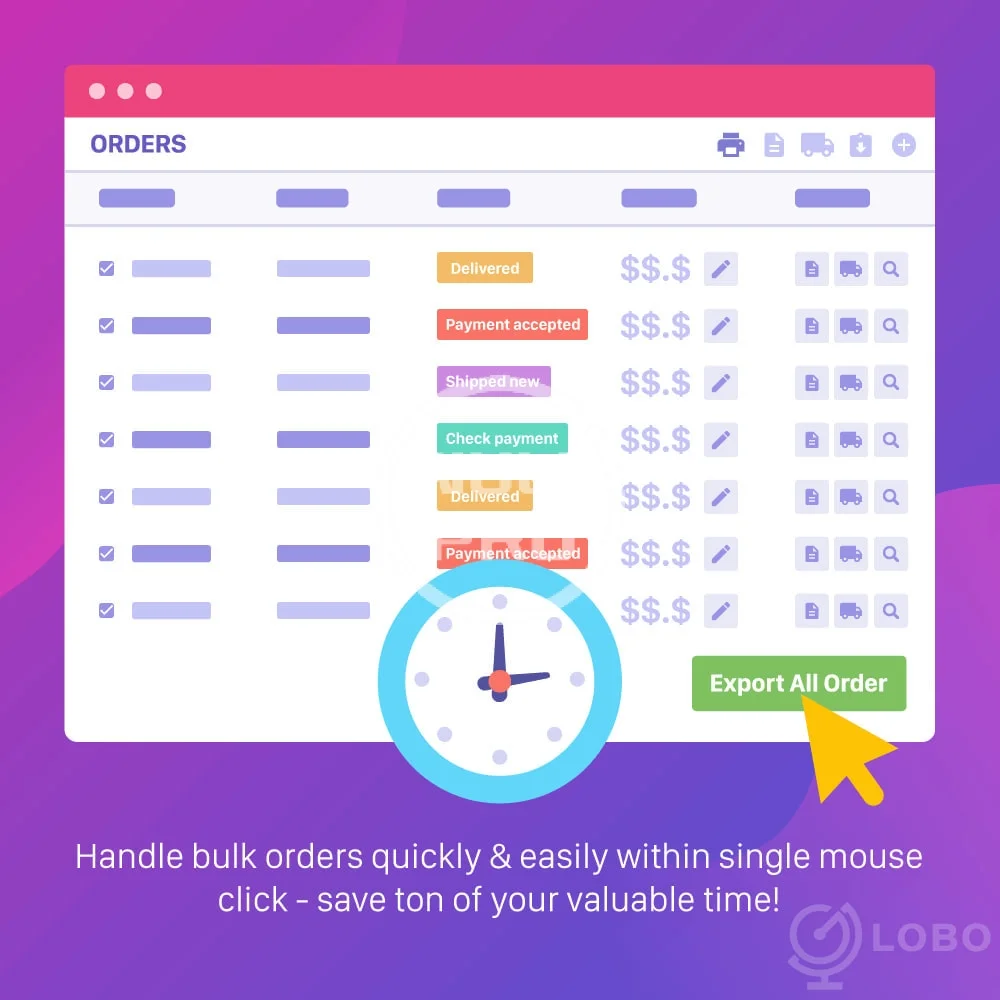
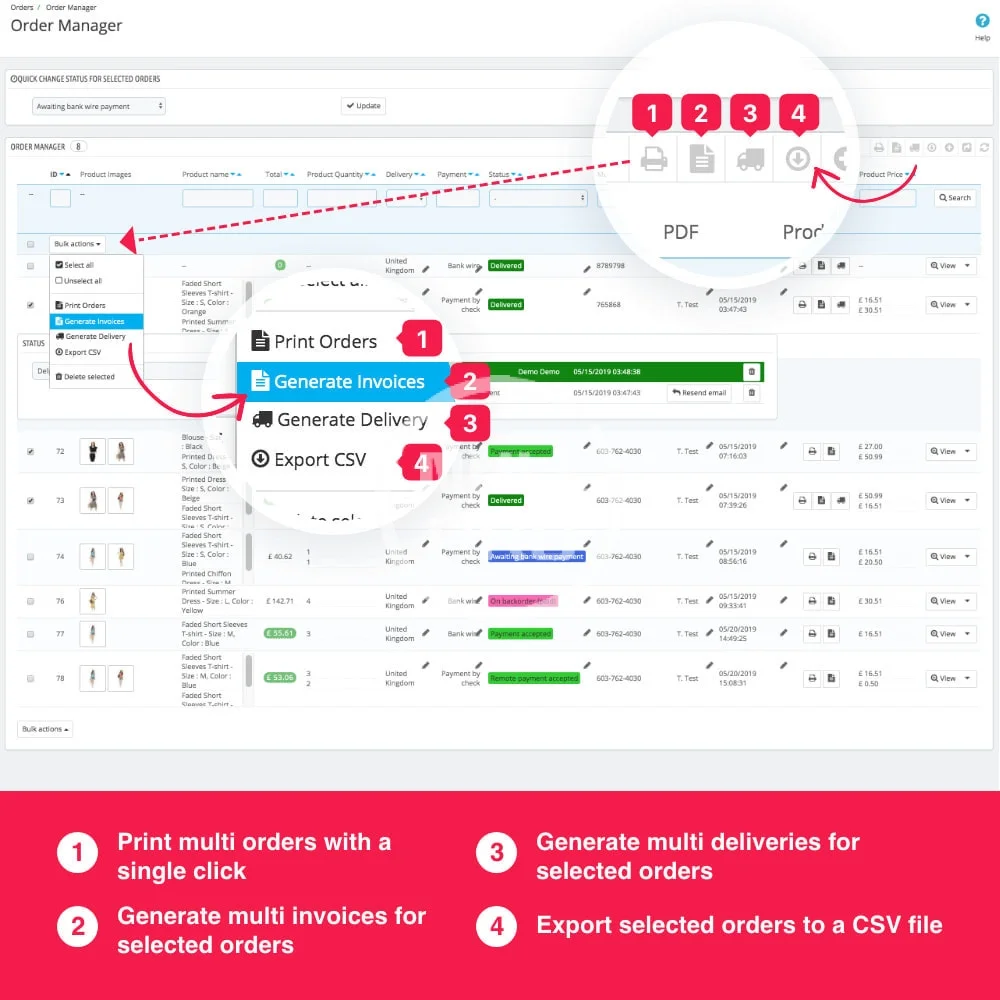
By default Prestashop, If you want to print 100 orders, you have to open order details page 100 times and click to print button 100 times. But with Order Edit module, you can print all orders by one click.
By default Prestashop, You can’t generate multi invoice,delivery by customer or by selected order. But with Order Edit module, you can select the orders that you want to print.
EDIT EXISTING ORDER
Sometime, Your customer will call or email to you after they place an order. They may request to change product, ask for discount, change shipping method to get order faster etc… This is why you need the module to edit the order.
This is a list of editable that you can do with Order Edit module:
DUPLICATE ORDER
You can duplicate an existing order. This is a list of features that the you can do while duplicate an order:
IMPROVE ORDER LIST PAGE
You are able to save much time with the new Orders page (in BackOffice). The feature is absolutely save your time on management Prestashop Order:
You can display following columns on Order list page:
Features
BULK ACTION
Why does we need to improve Prestashop Bulk Action?
By default Prestashop, If you want to print 100 orders, you have to open order details page 100 times and click to print button 100 times. But with Order Edit module, you can print all orders by one click.
By default Prestashop, You can’t generate multi invoice,delivery by customer or by selected order. But with Order Edit module, you can select the orders that you want to print.
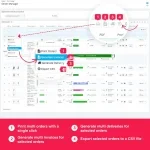
- Create bulk invoices, deliveries by one click: In the list of orders page, You can select multi orders, then generate invoice for those orders by one click.
- Print bulk orders by one click: In the list of orders page, you can select the orders that you want to prints. You select to print all orders of a customer. You can select to print all orders by payment method… After select, you can print all selected orders by one click.
- Export order to CSV: You can select which orders or all orders that you want to Export. You can custom(select) the fields of order that you want to add to CSV.
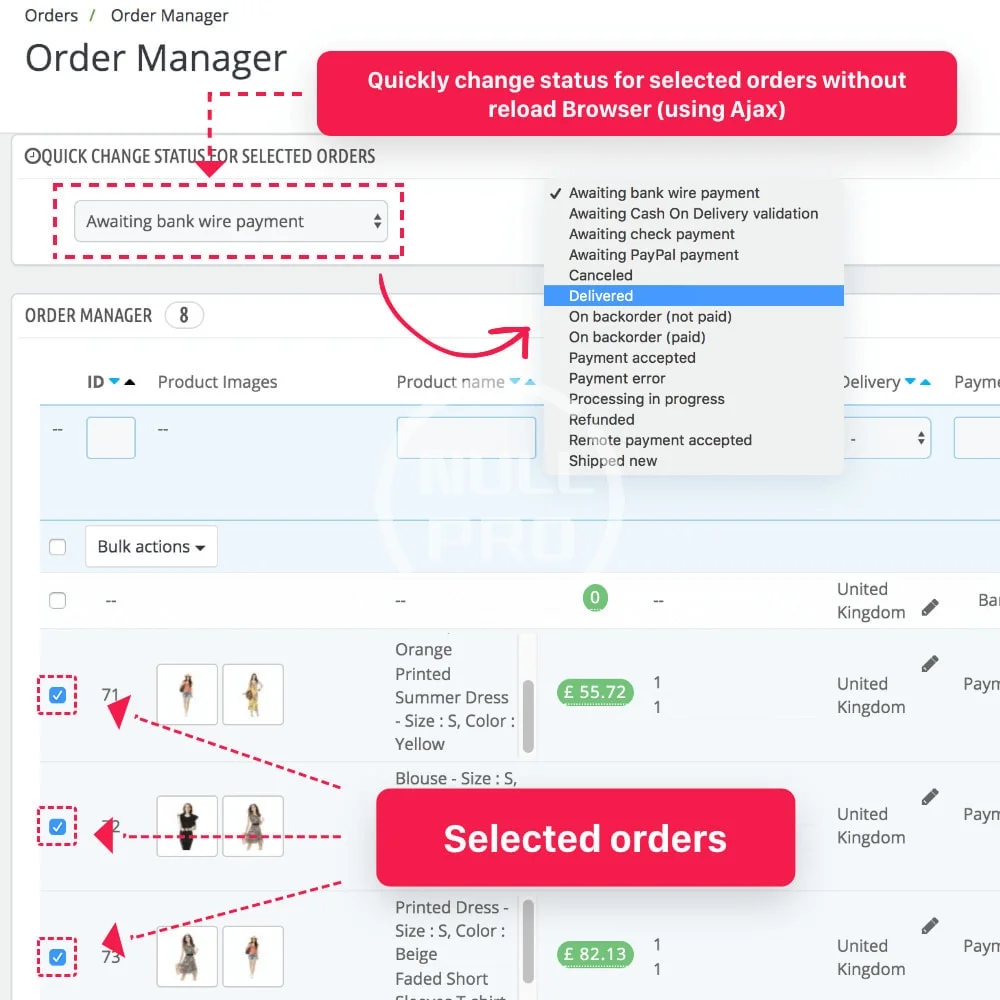
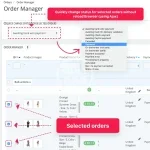
- Change order status: You can change status of multi orders without reload page by Ajax. You can select the order that you want to change.
EDIT EXISTING ORDER
Sometime, Your customer will call or email to you after they place an order. They may request to change product, ask for discount, change shipping method to get order faster etc… This is why you need the module to edit the order.
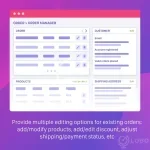
This is a list of editable that you can do with Order Edit module:
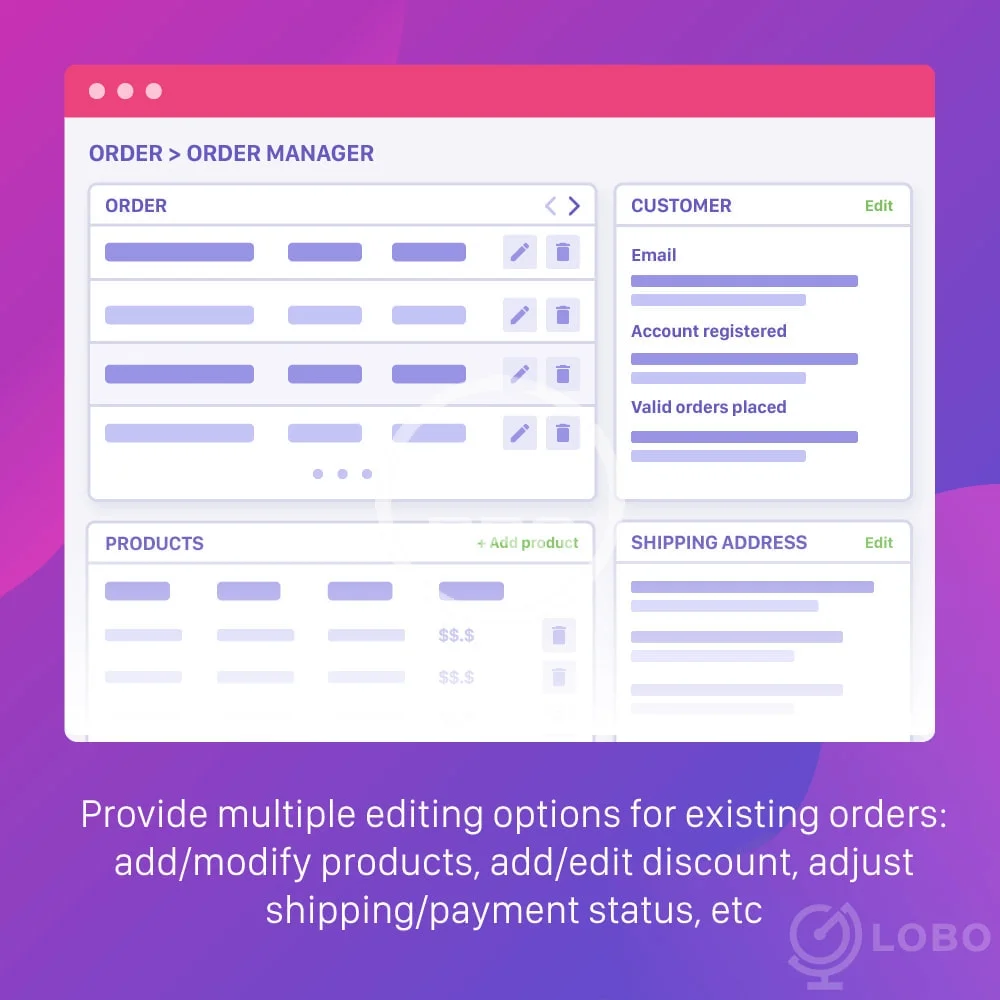
- Add product, delete product, modify product (Name, Qty, Price, Tax incl/excl, Attributes, Custom fields). If your product has custom fields, then you can also edit the custom field (text, file)
- Edit Shipping: edit carrier(shipping method), edit shipping cost, edit shipping tax rate, edit shipping weight.
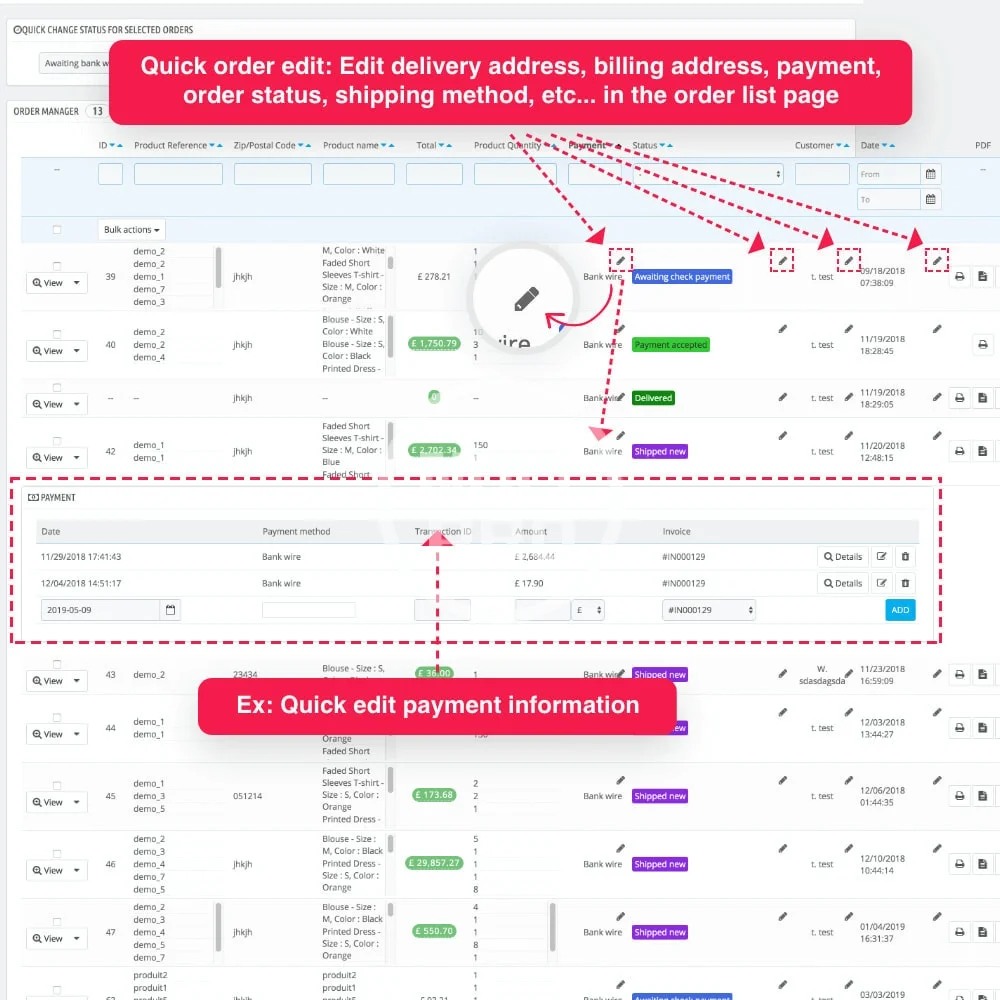
- Edit Payment: edit payment amount, edit payment method, date time, transaction ID
- Add/Edit discount.
- Edit order reference code.
- Quick change Shipping & Bill address without reload (by Ajax)
DUPLICATE ORDER
You can duplicate an existing order. This is a list of features that the you can do while duplicate an order:
- Change customer: You are able to select customer for the new order.
- Change product: You are able to add other products or delete existing products.
- Add discount: You can add a discount code for the new order.
- Change Shipping: You can change shipping method for the new order.
- Change Payment: You can change payment method for the new order.
- Order Status: You can set order status for new order.
IMPROVE ORDER LIST PAGE
You are able to save much time with the new Orders page (in BackOffice). The feature is absolutely save your time on management Prestashop Order:
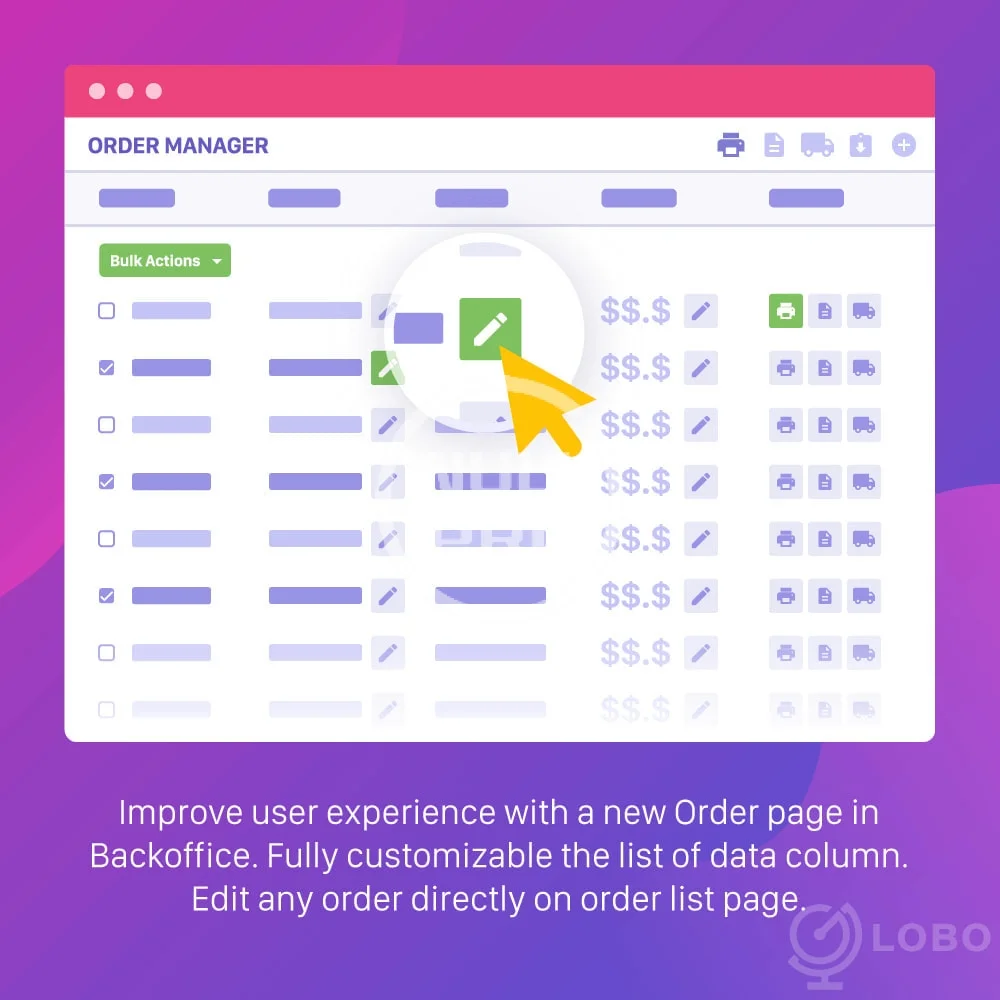
- Change columns on Order list page: Order Edit module allows you to custom the columns that you want to display in the page (list of orders page in BackOffice). All of the new columns has filtering and searching. You can also change position of a column on the table.
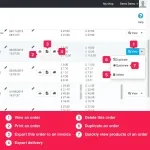
- Quick edit order: You can edit an order directly on order list page.
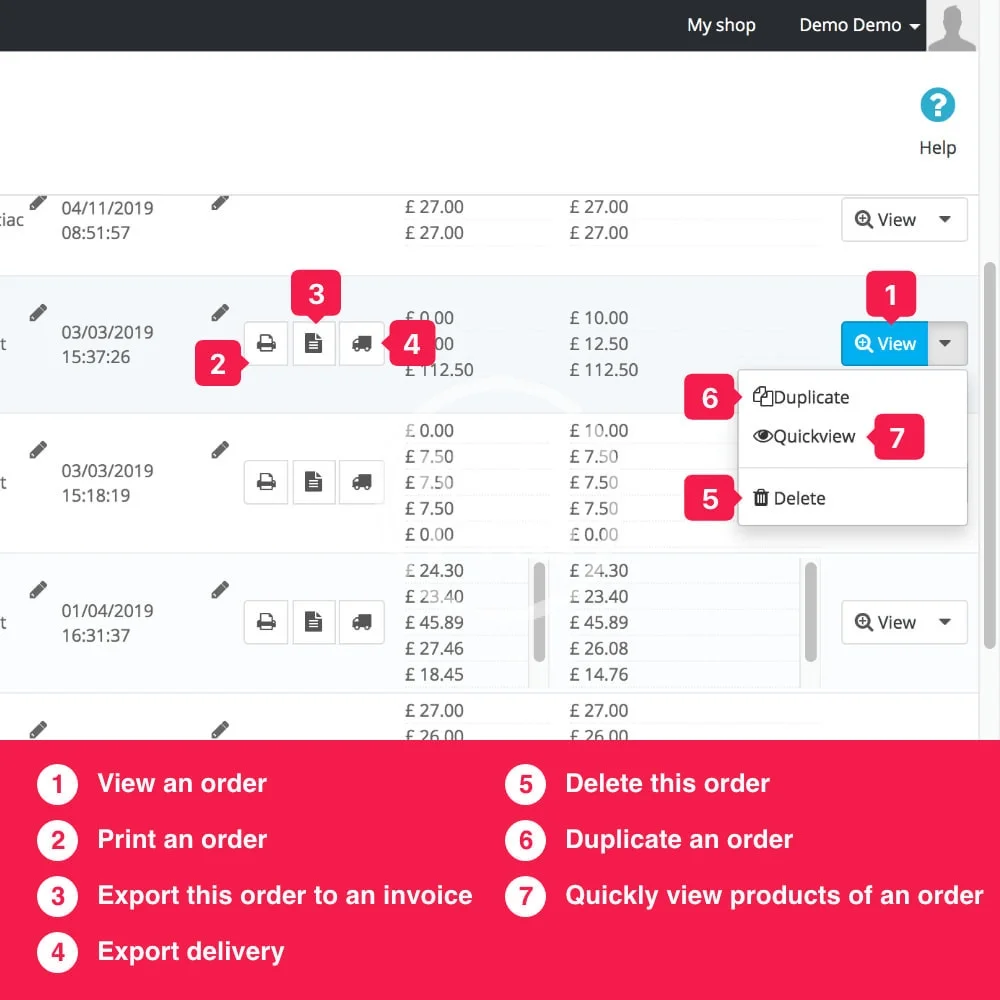
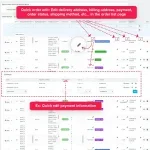
- View more order information: You can view products in an order, customer information, payment information.
- Delete order.
- Print order.
You can display following columns on Order list page:
- Oder: Id
- Order: date
- Order: Reference
- Order: Total
- Order: Carrier
- Order: Payment
- Order: Status
- Order: Message
- Order: Shipping Address
- Product: Id
- Product: Name
- Product: Reference
- Product: Ean13
- Product: Images
- Product: Quantity
- Product: Combination ID
- Product: Quantity In Stock
- Product: Weight
- Product: Price
- Customer: Email
- Customer: Is new customer
- Customer: Address
- Customer: First Name
- Customer: Last Name
- Customer: Zip code
- Customer: City
- Customer: Company
- Customer: Home phone
- Customer: Mobile phone
- Customer: Other information
-
 order-tools-order-edit-order-export-order-quick-view (1).webp
 -
 order-tools-order-edit-order-export-order-quick-view (2).webp
 -
 order-tools-order-edit-order-export-order-quick-view (3).webp
 -
 order-tools-order-edit-order-export-order-quick-view (4).webp
 -
 order-tools-order-edit-order-export-order-quick-view (5).webp
 -
 order-tools-order-edit-order-export-order-quick-view (6).webp
 -
 order-tools-order-edit-order-export-order-quick-view.webp