- PrestaShop-Kompatibilität
- 1.7.x
- Kurzbeschreibung
- PrestaShop Multi-Warehouse module streamlines stock management across multiple warehouses, enhancing sales distribution and logistics. Manage products, shipments, transfers, and orders efficiently with advanced features like bulk product assignment, internal transfer status updates, and customizable prefix settings for warehouse IDs and shipment/order names.
Grow your sales by effectively managing multiple warehouses. Distribute products stock among different locations of the warehouse. Create and manage the incoming shipments, internal transfer of products, and delivery orders.
Features
Features
- PrestaShop Multi-Warehouse Advanced Stock Management module is MultiShop Compatible.
- Create multiple warehouses for stock management.
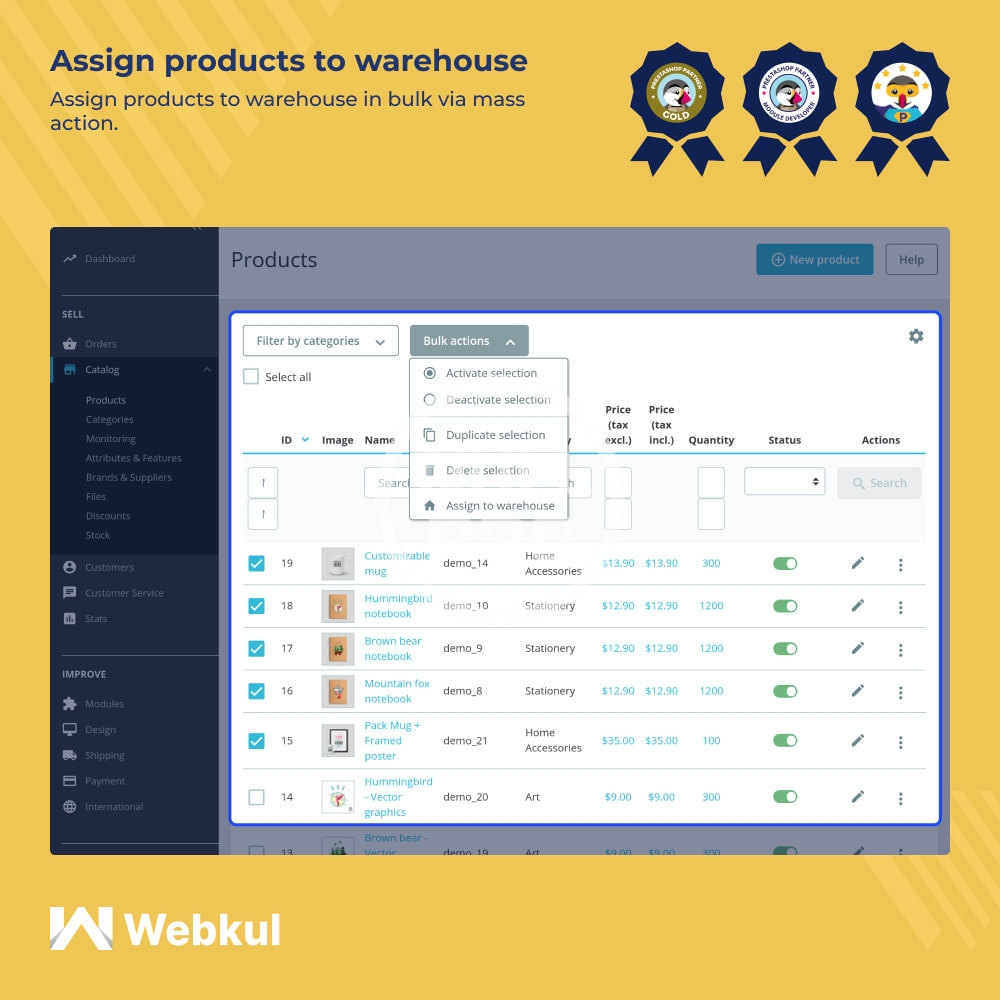
- Assign products to the warehouse in bulk via mass action.
- Add multiple locations for the warehouse.
- Create incoming shipments for the suppliers.
- Split the incoming shipment.
- Select default destination location for incoming shipment.
- Move products to a specific location of the warehouse by creating an internal transfer.
- view at which location of the warehouse the products are kept.
- View and update the internal transfer status.
- Option to split the transfer.
- Create delivery orders of specific products for the customers.
- Split the delivery order.
- View and update the status of delivery orders.
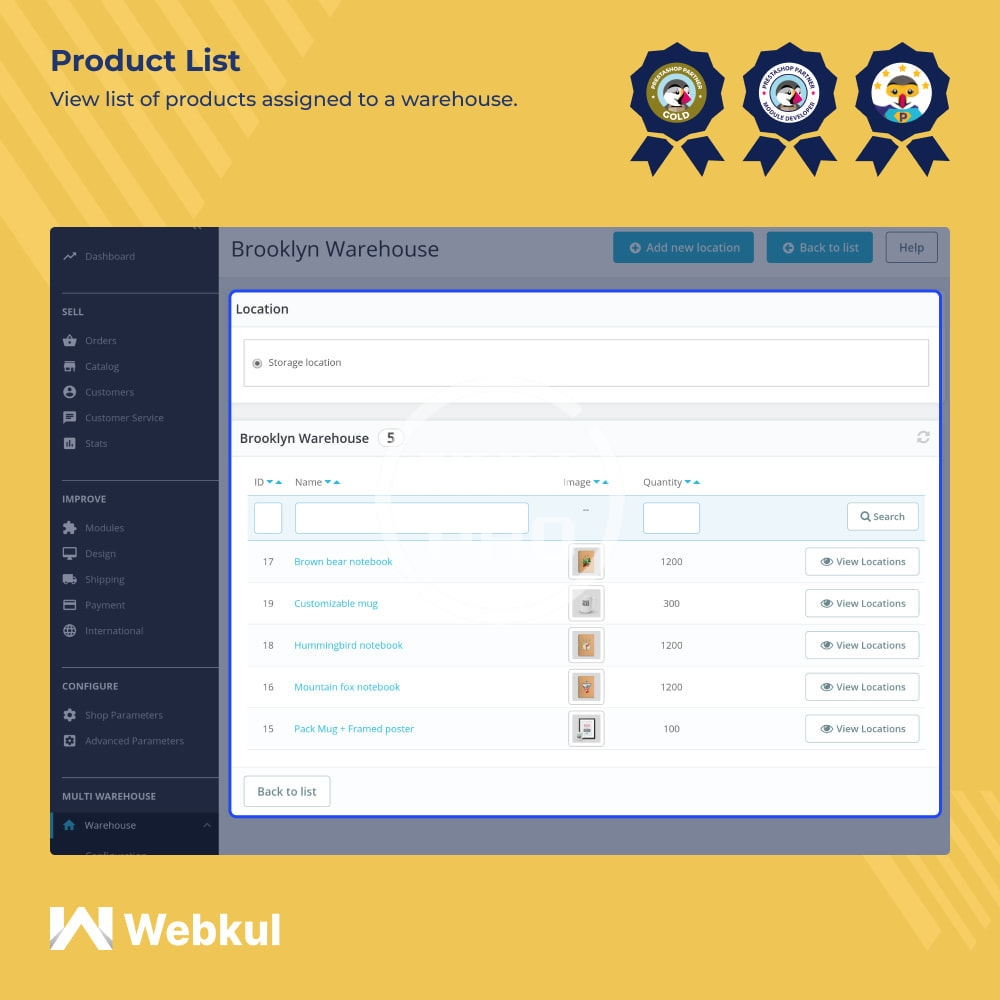
- View a list of products assigned to a particular warehouse.
- Edit the location details.
- Select the order status for the creation of the delivery order.
- Select the default source location to be assigned to the delivery order upon its creation.
- Assign or unassign supplier virtual, customer virtual, and storage locations for the warehouse.
- Set the prefix for the warehouse.
- Specify the number from which the next warehouse identification number will begin.
- Set the prefix for the delivery order name.
- Specify the order number from which the delivery orders will start.
- Add current year & month to the delivery order name.
- Specify the prefix for incoming shipment.
- Set the incoming shipment number from which the next shipment number will begin.
- Add the current year and month to the incoming shipment.
- Add supplier's invoice and tracking URL for the incoming shipment.
- Add tracking URL for the delivery order.
- Download the PDF of delivery order.