

- Short Description
- BuddyPress Auto Join Groups helps site admins to automate group joining for members.
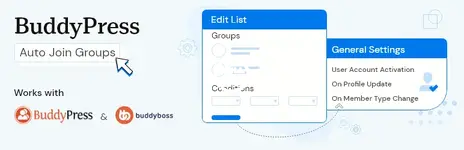
BuddyPress Auto Join Groups helps site admins to automate group joining for members. You can create one or more auto group join lists with conditions, and any user matching those lists will be added to the specified groups.
The plugin can be used to create global lists as well as conditional lists.
A global list is a group list without any conditions. All users are considered a match for this type of list. Any user joining the site will be added to the groups specified in these lists(Yes, you can create multiple global group lists if you need to).
A conditional list is a group list where you specify one or more conditions based on the user's profile field data or member type. Any user who matches these conditions will be automatically added to the groups specified by this list. If a user matches multiple lists, they will be automatically added to all the groups from these lists.
In the plugin settings, you can choose when the user should be tested for matching the list. The available options are "when a user activates their account", "when a user updates his/her profile" or "on member type update" of the user.
For each list, you will find a bulk synchronize user button. It automatically searches all existing users and if they match current list conditions, It will add them to the specified groups.
- Automates users joining BuddyPress groups.
- Admins can create multiple global lists where users will be added to the specified groups irrespective of their profile data.
- Admins can create multiple conditional lists where users will be added to the specified groups if they match the conditions.
- Admins can define matching conditions based on profile data or member type.
- Admins can specify one or more conditions for each list. If there is more than one condition for a list, the user much fulfills all these conditions to be considered as a match.
- Admins can associate any number of groups with each list.
- A user may match more than one list. If they do, they will be added to all groups from these lists.
- Admins can specify when a user should be tested for the match. You can specify the trigger as account activation, profile update, or member type change.
- Admins can bulk synchronize users to the current list. This feature searches all users and any user matching the current list condition will be added to specified groups.


